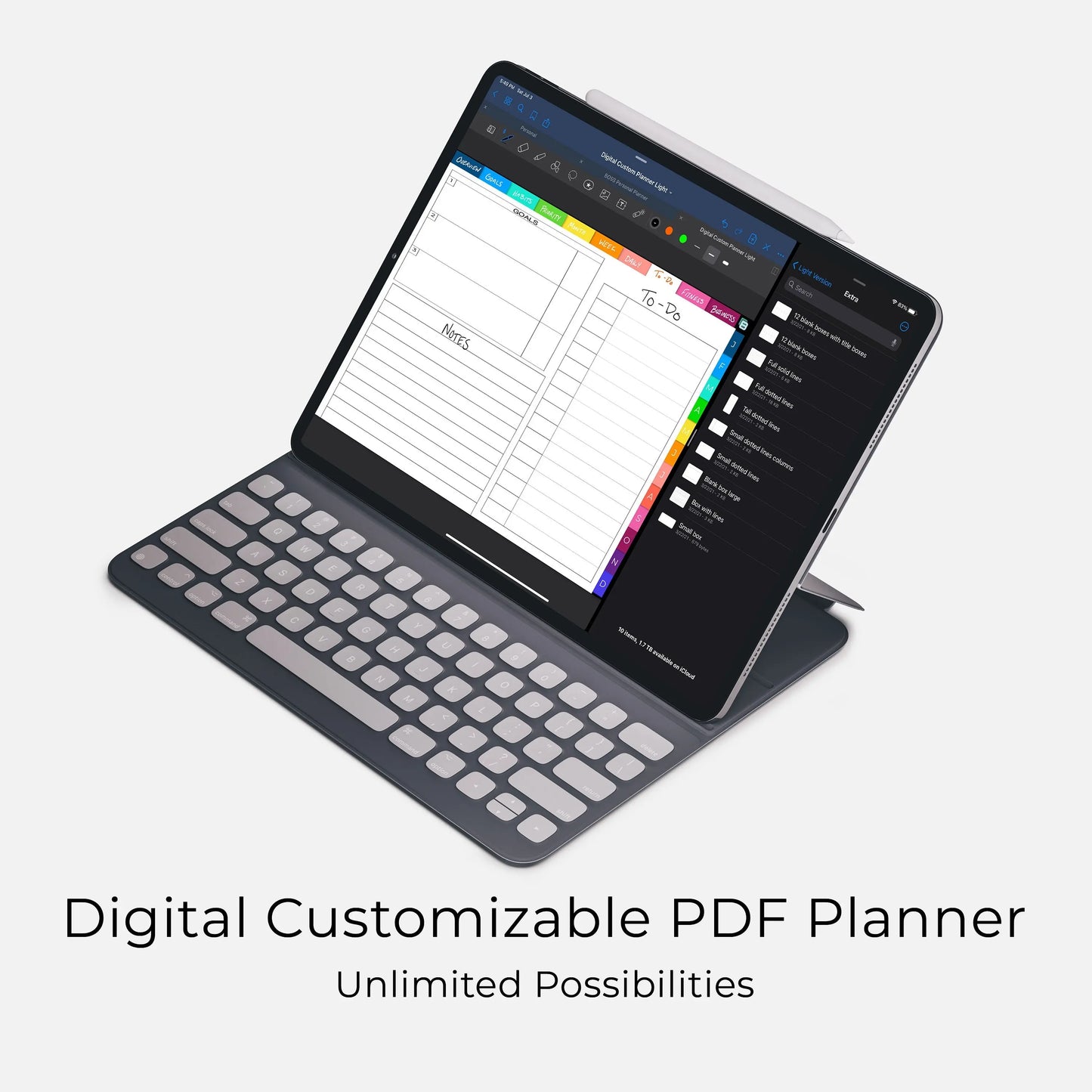
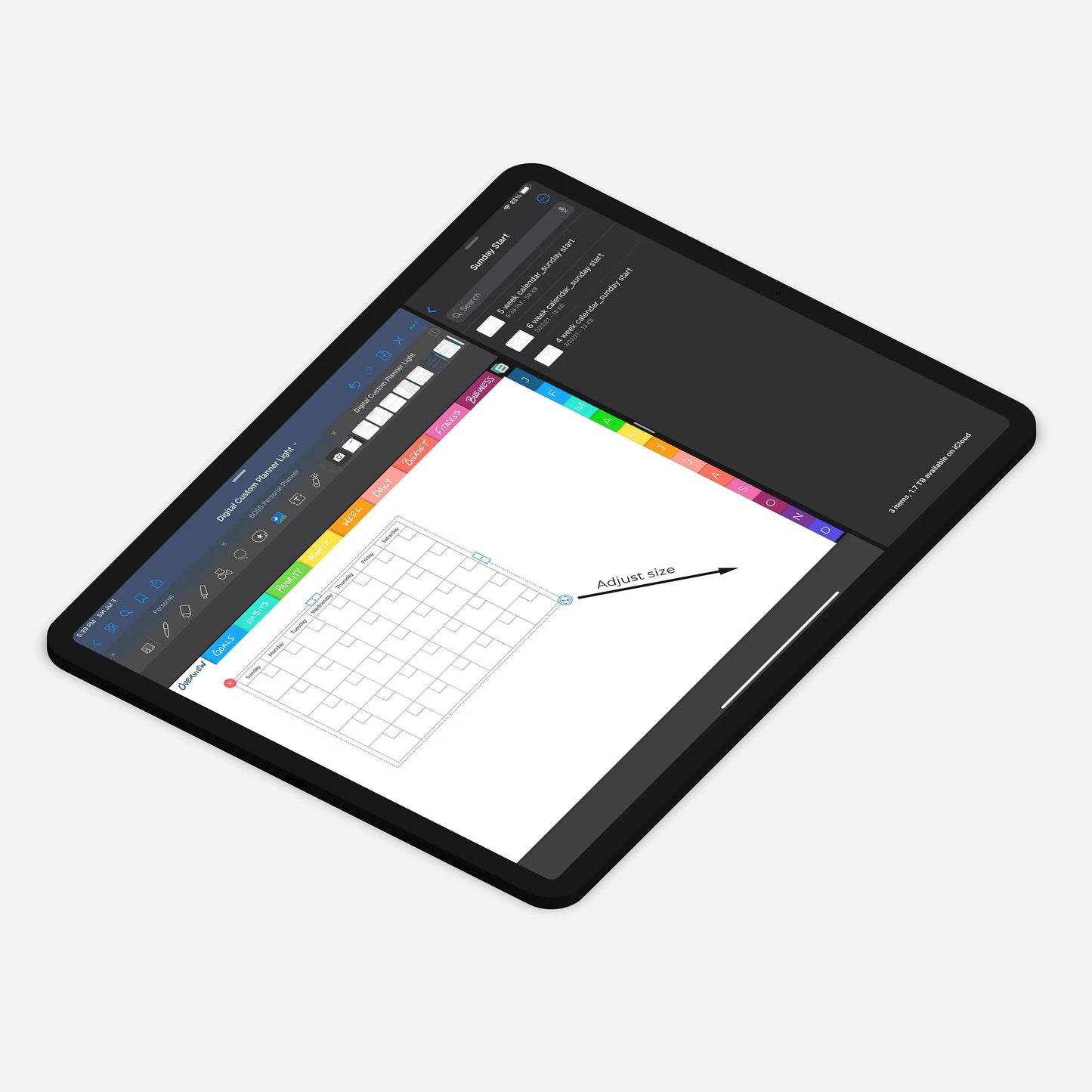
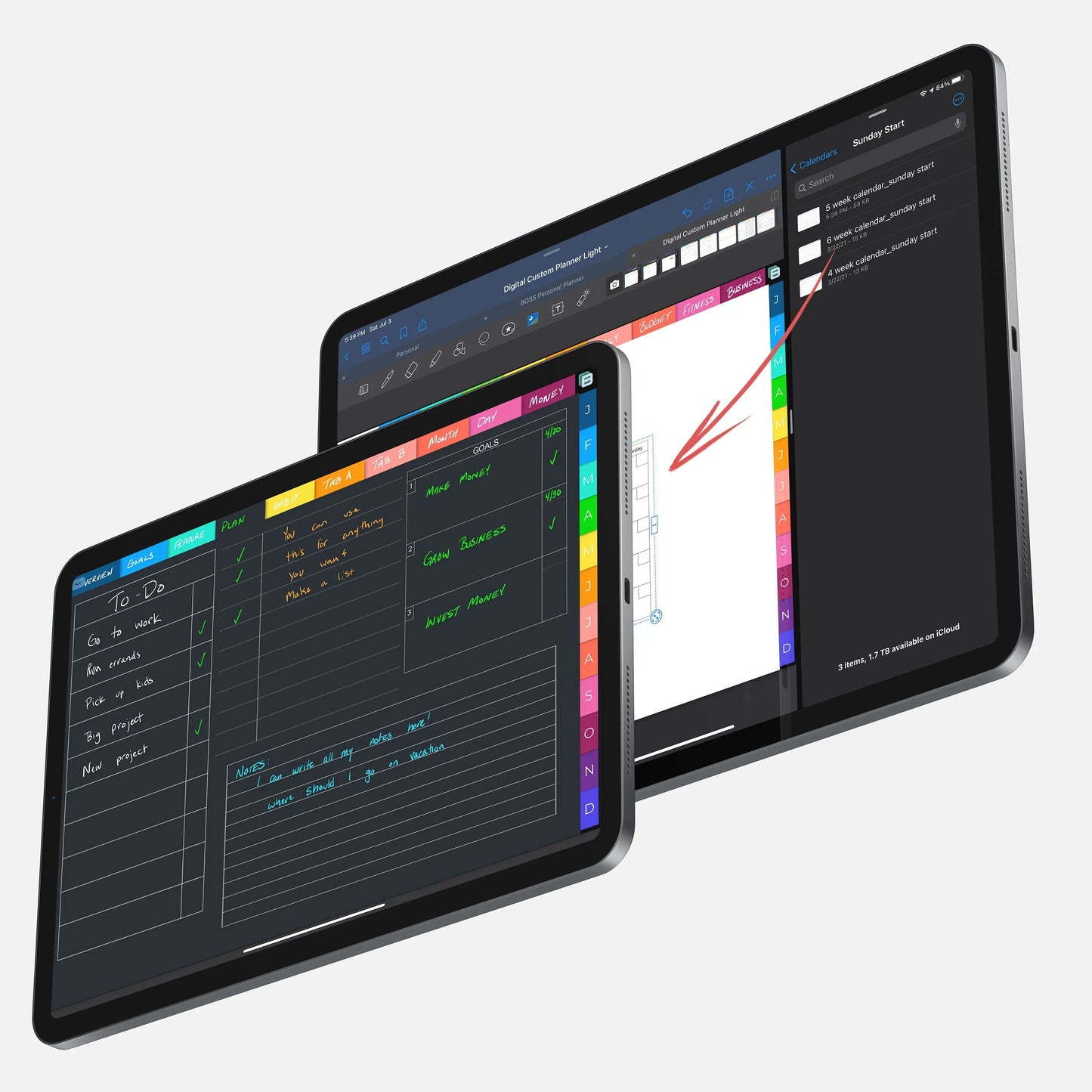
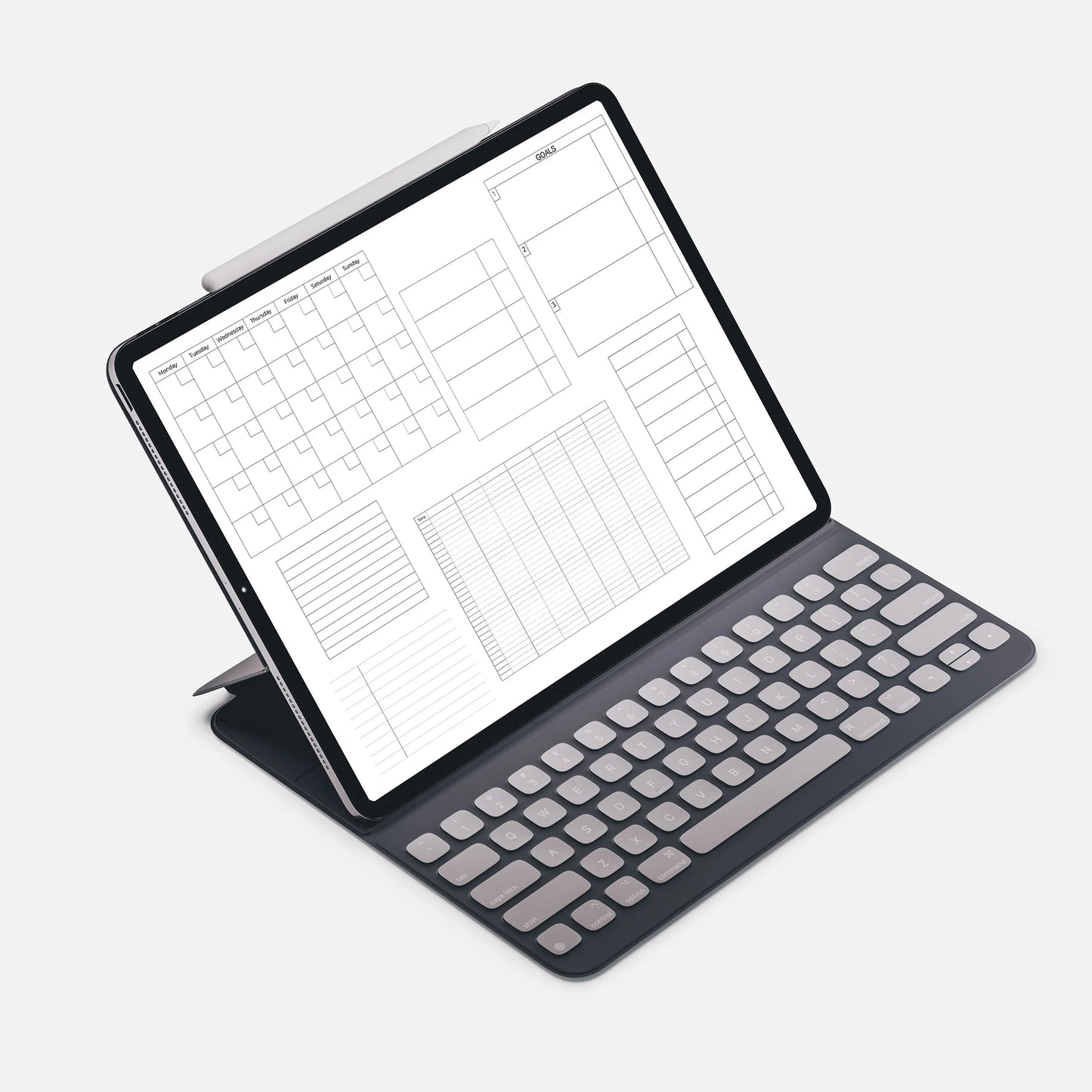
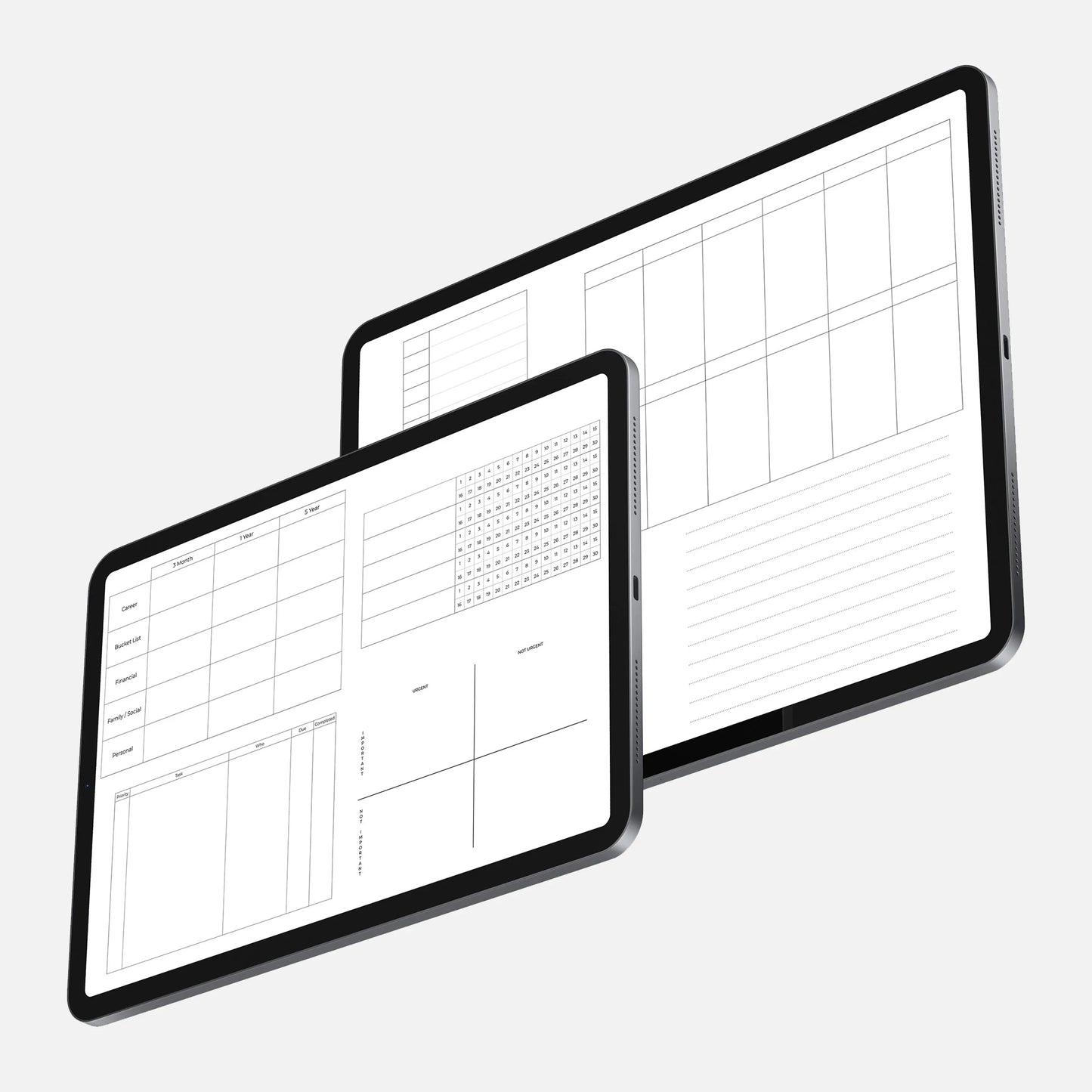
If you're new to digital planning, it's pretty easy to get started. It only requires a few things. You need an iPad or tablet with a stylus and an annotation app. We have more information on this in the 'Compatibility' section.
Once you have the above items, you can get started. You can download your planner to your device, next you'll open it in the annotation app of your choosing, finally, you can start planning.
It's that easy.
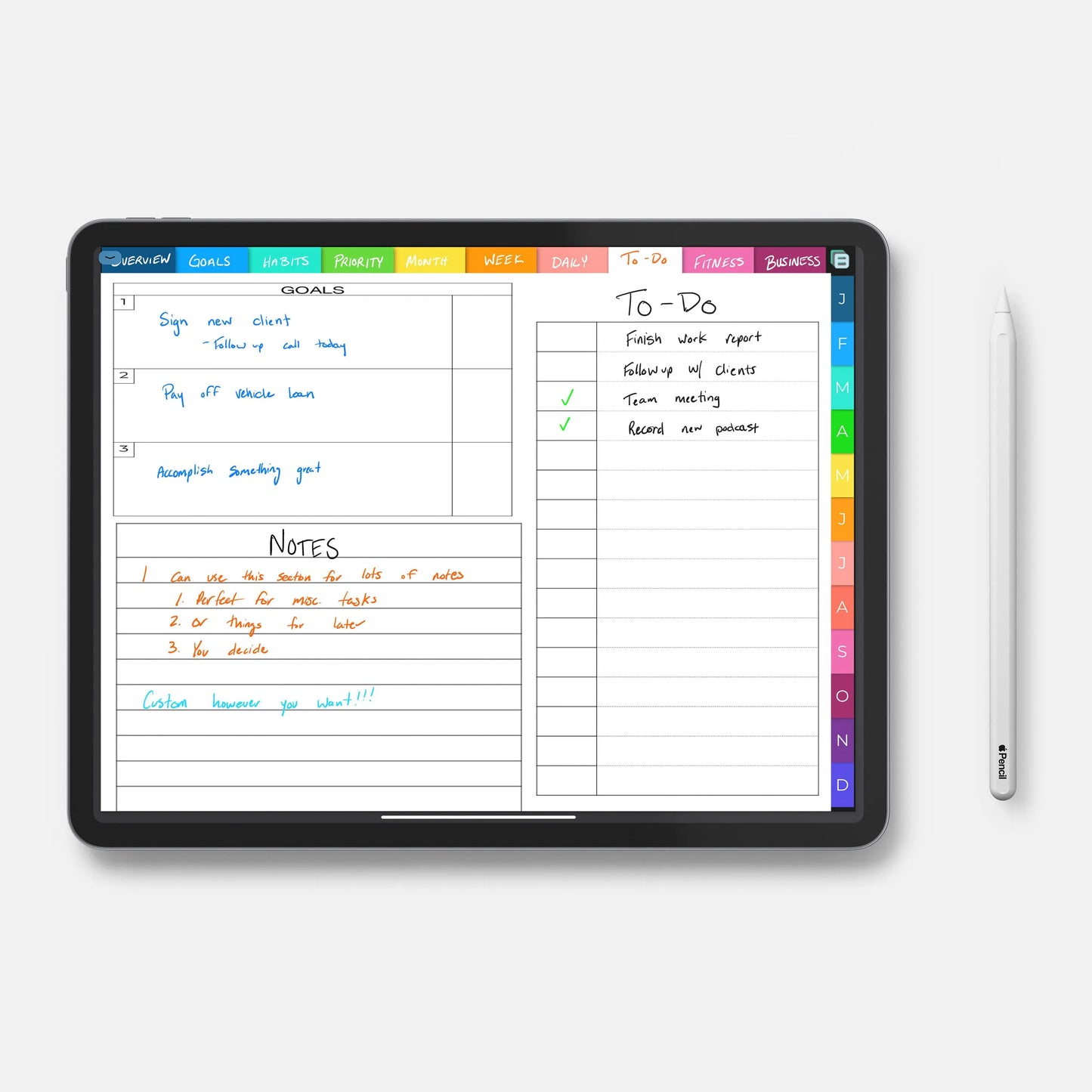
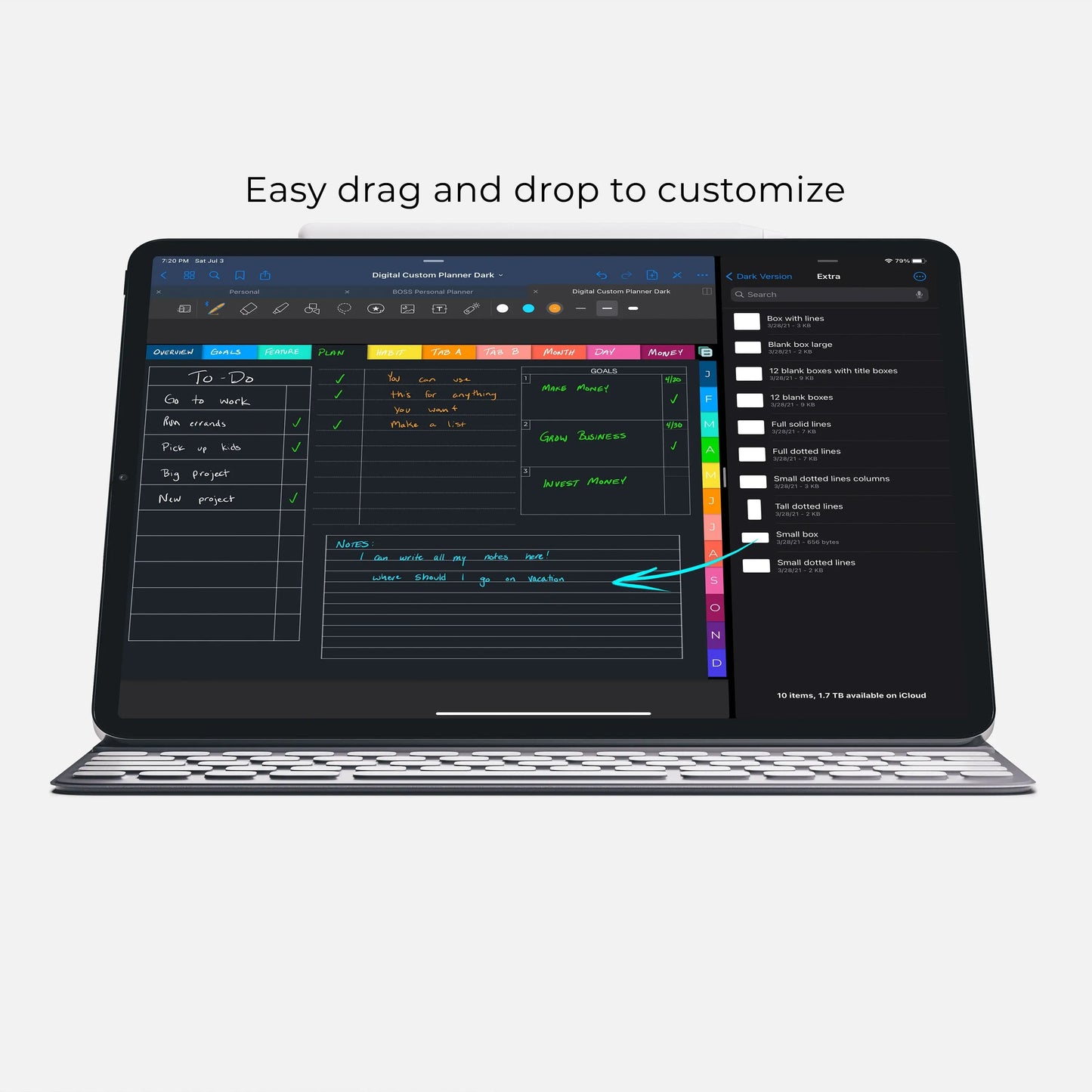
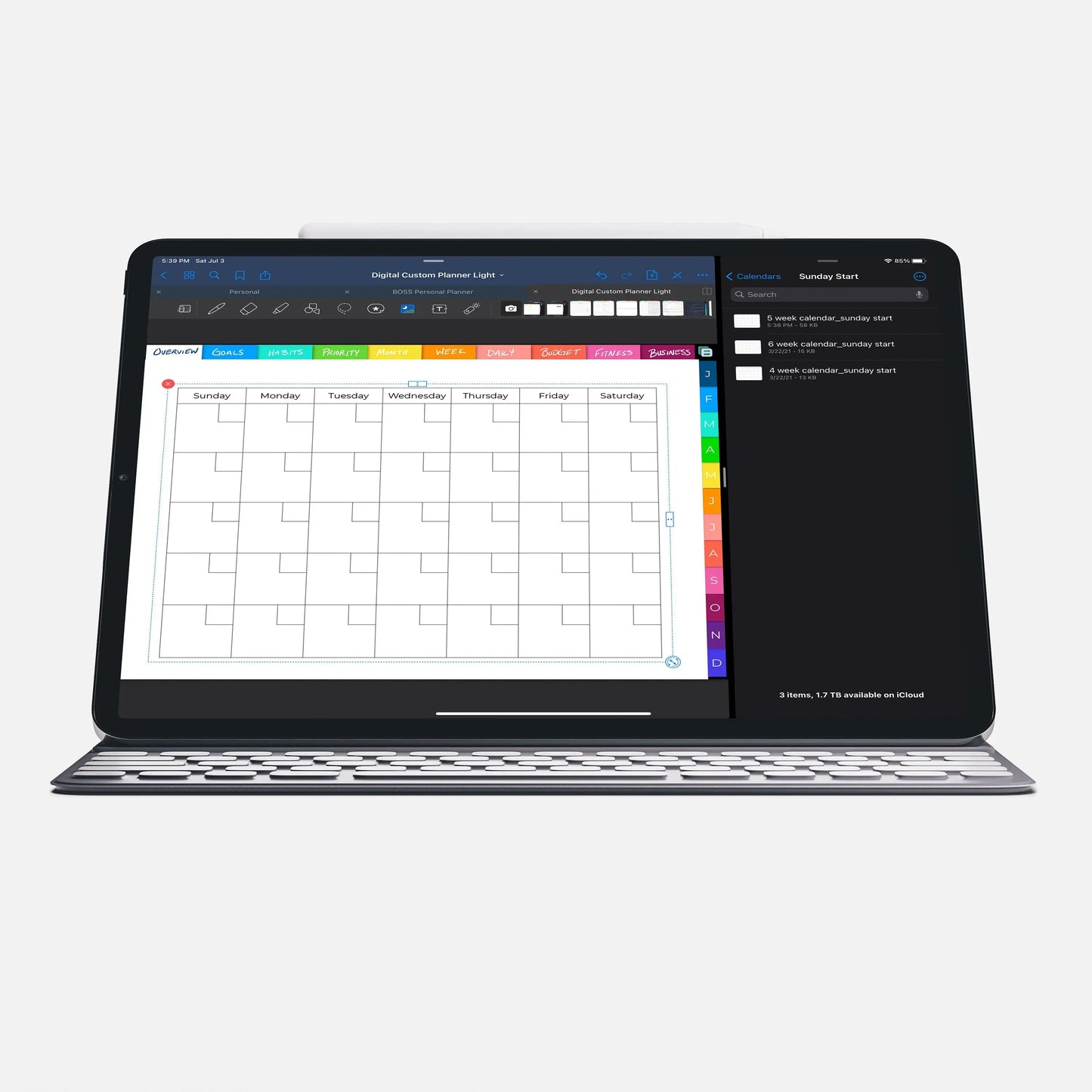
The functionality of each app differs but the general idea is the same. You can navigate through the planner with the hyperlinks (tabs, some dates, and buttons), you use the pen tool to write, and you can erase and insert images/stickers as you need.