Skip to product information
1 of 9

digital planners

Digital Personal Planner

Digital Personal Planner

Regular price $29.99 USD
Regular price $34.99 USD Sale price $29.99 USD
Sale Sold out
Shipping calculated at checkout.
Dates

Digital Personal Planner

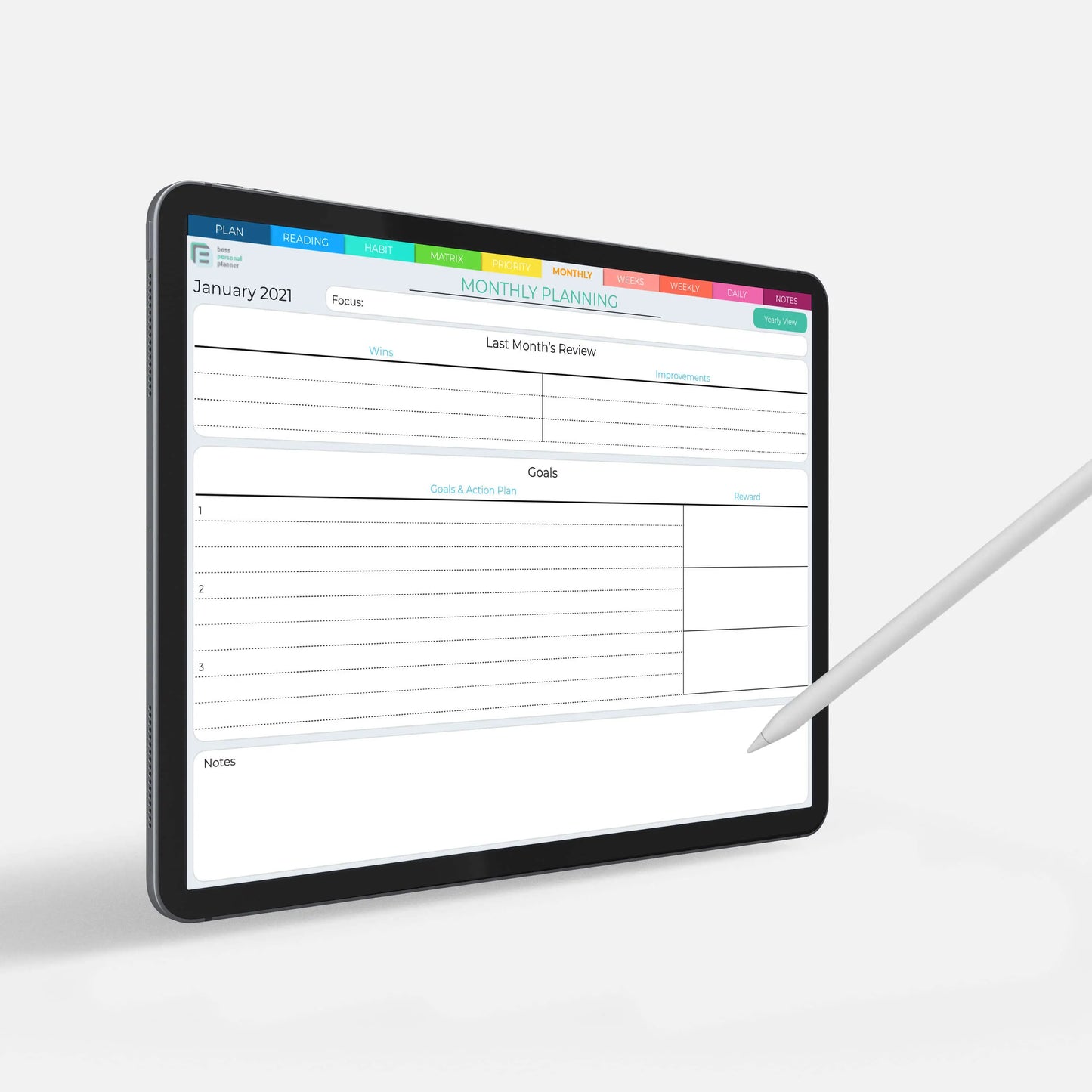
Introducing the ultimate digital personal planner for GoodNotes - your new organizational companion that's always at your fingertips!

Gone are the days of juggling multiple planners, notebooks, and to-do lists. With our digital personal planner, you can streamline your life and stay on top of your tasks and appointments with ease.

Our planner is designed with your busy lifestyle in mind. Whether you're a student, a professional, or a busy parent, our planner will help you stay organized and productive.

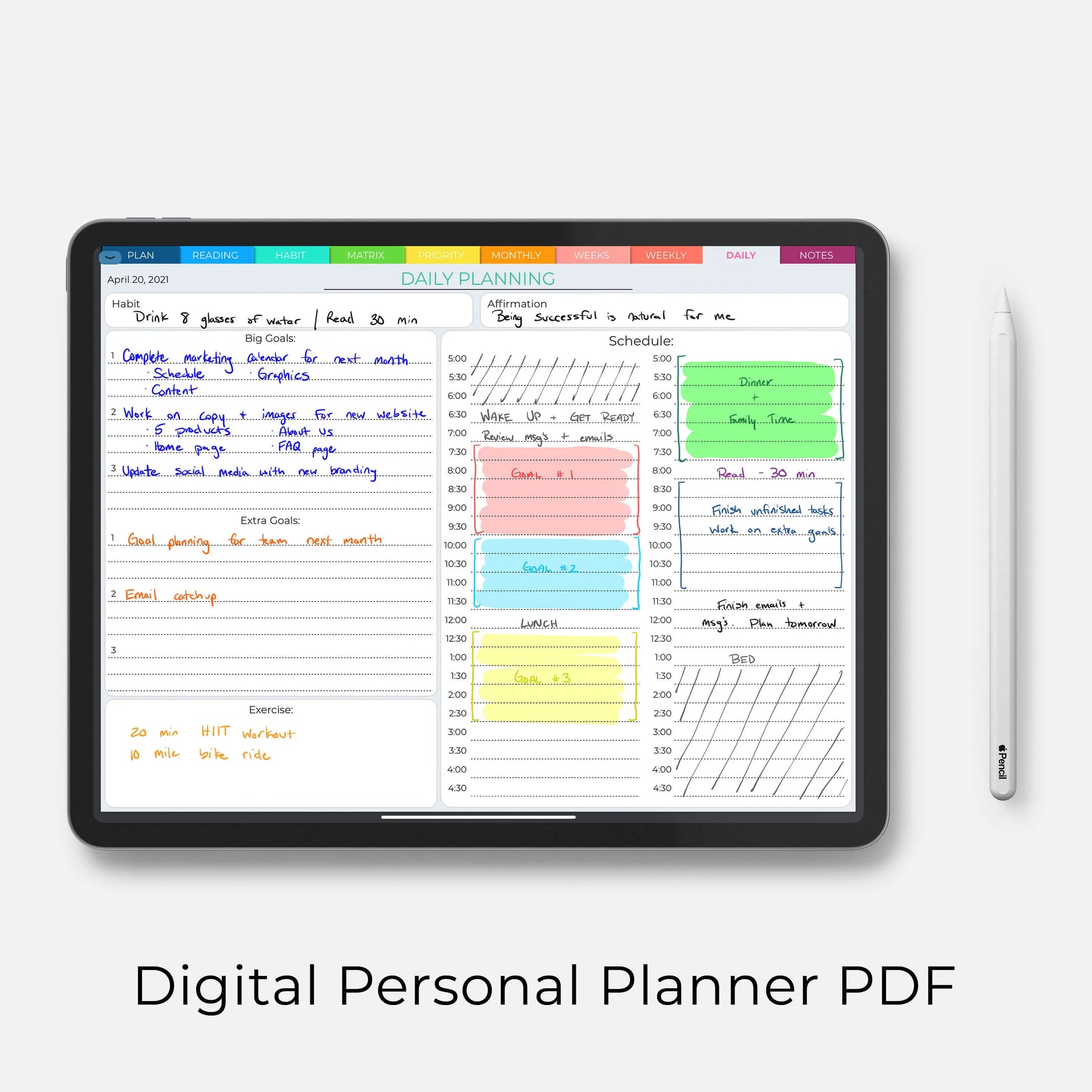
With GoodNotes, you can easily write, draw, and type directly into your planner. No more crossing out, erasing, or ripping out pages! Plus, with the ability to add photos, stickers, and other digital elements, you can truly make your planner your own.

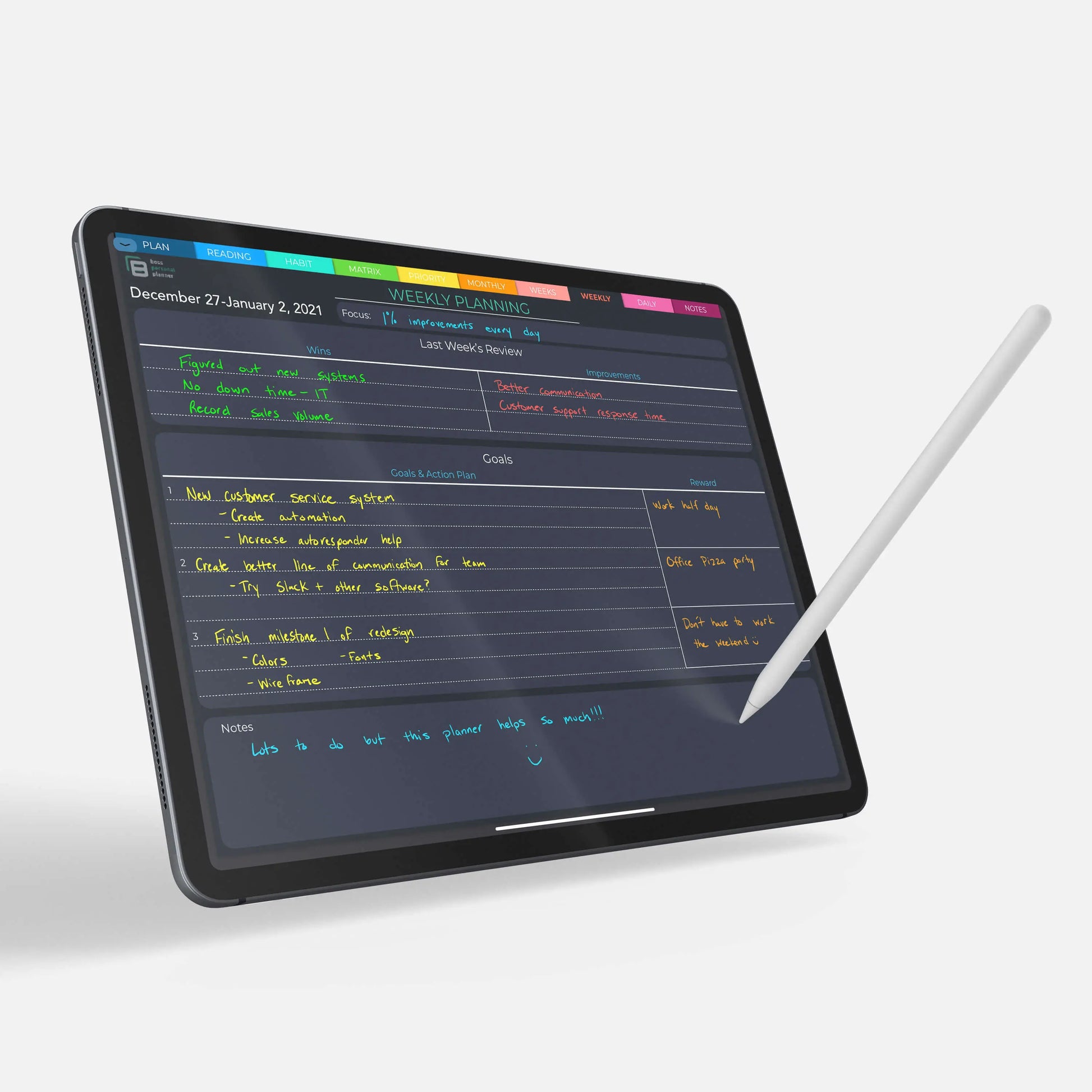
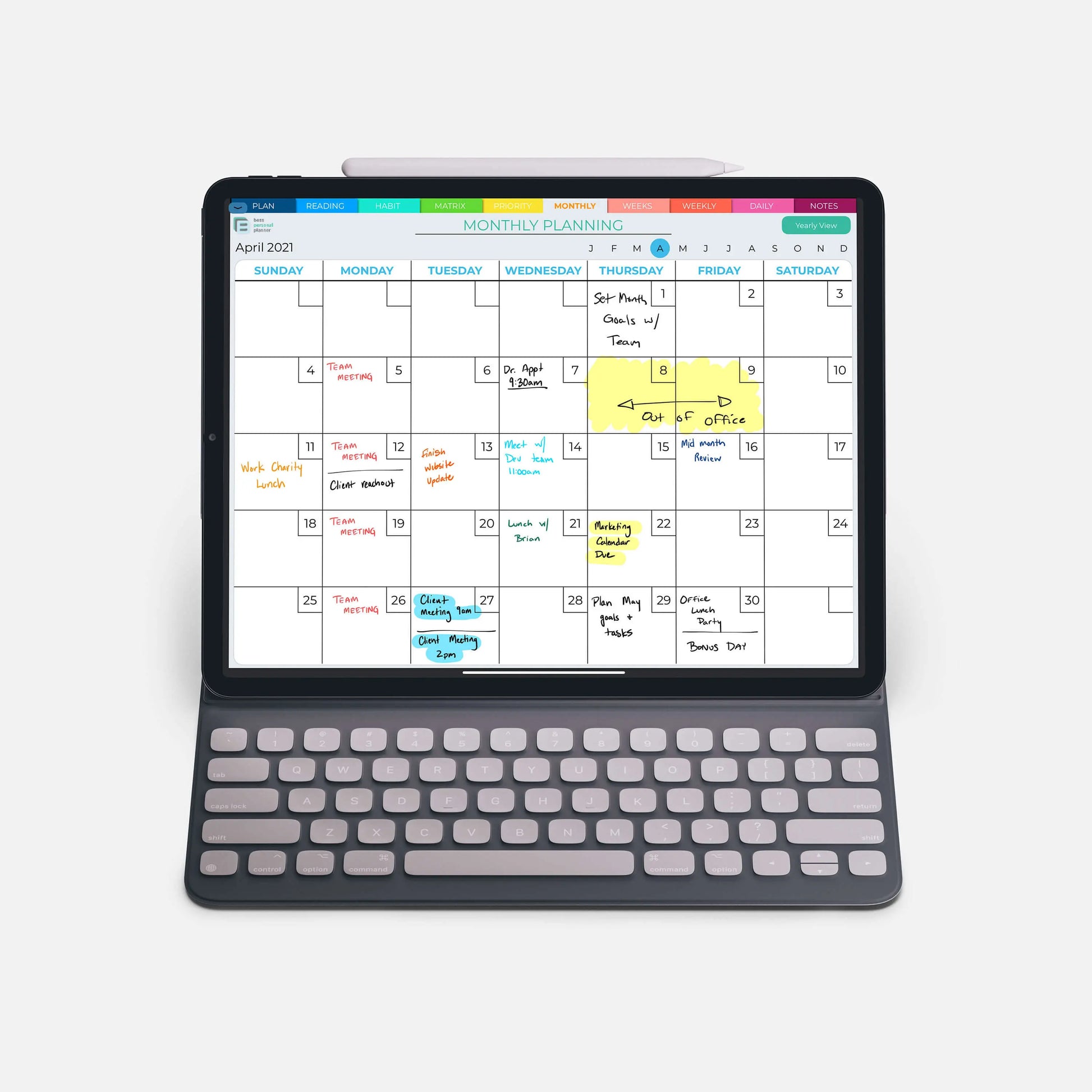
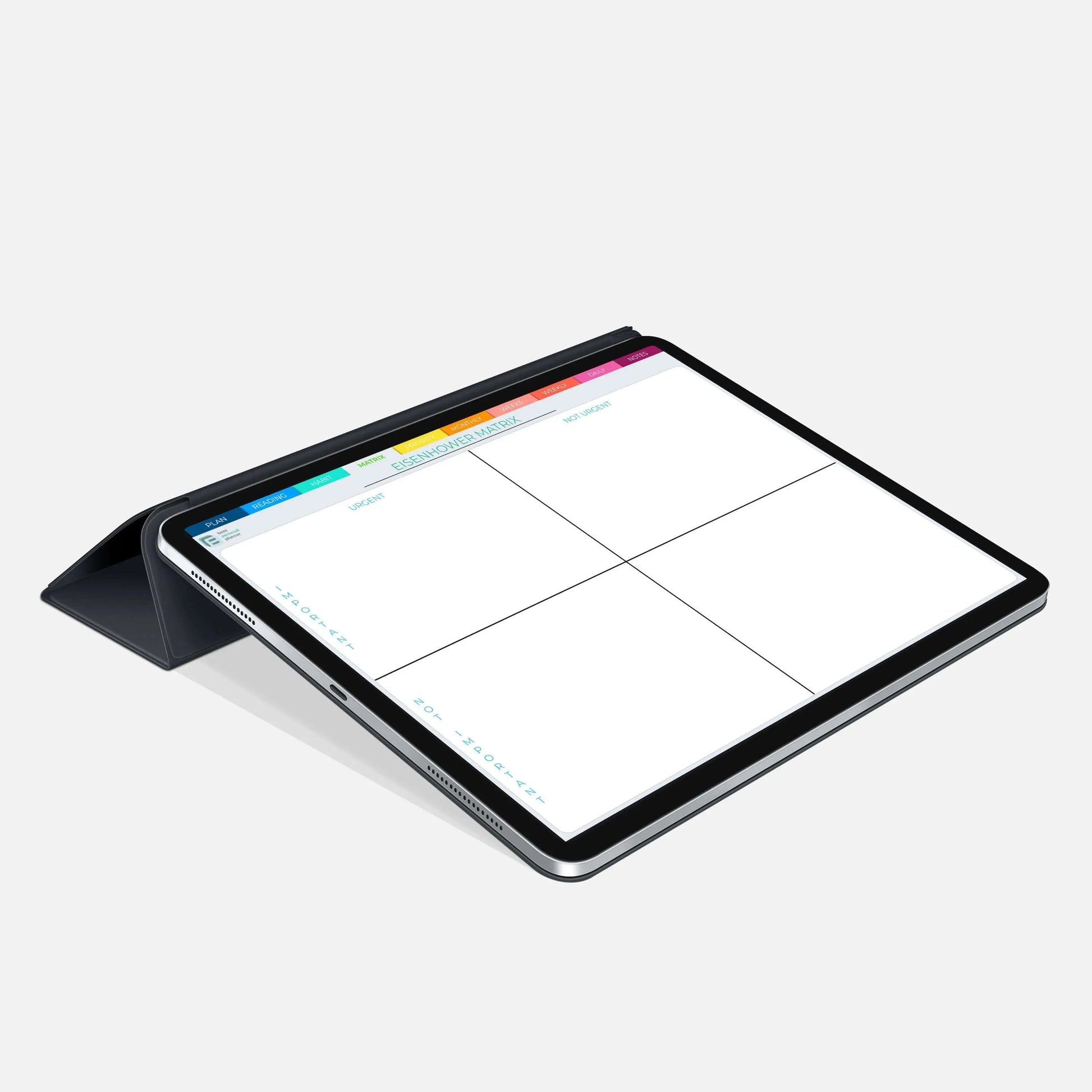
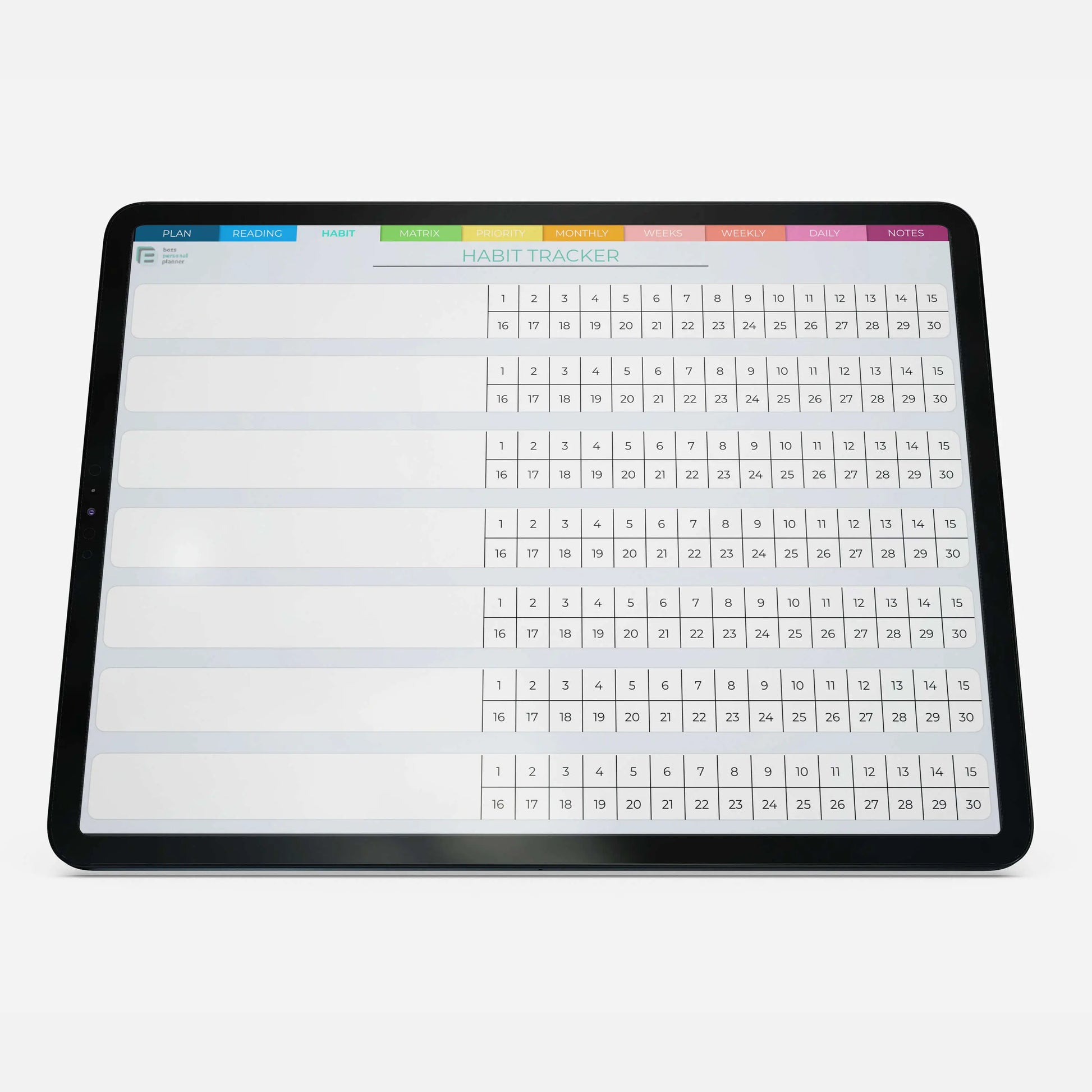
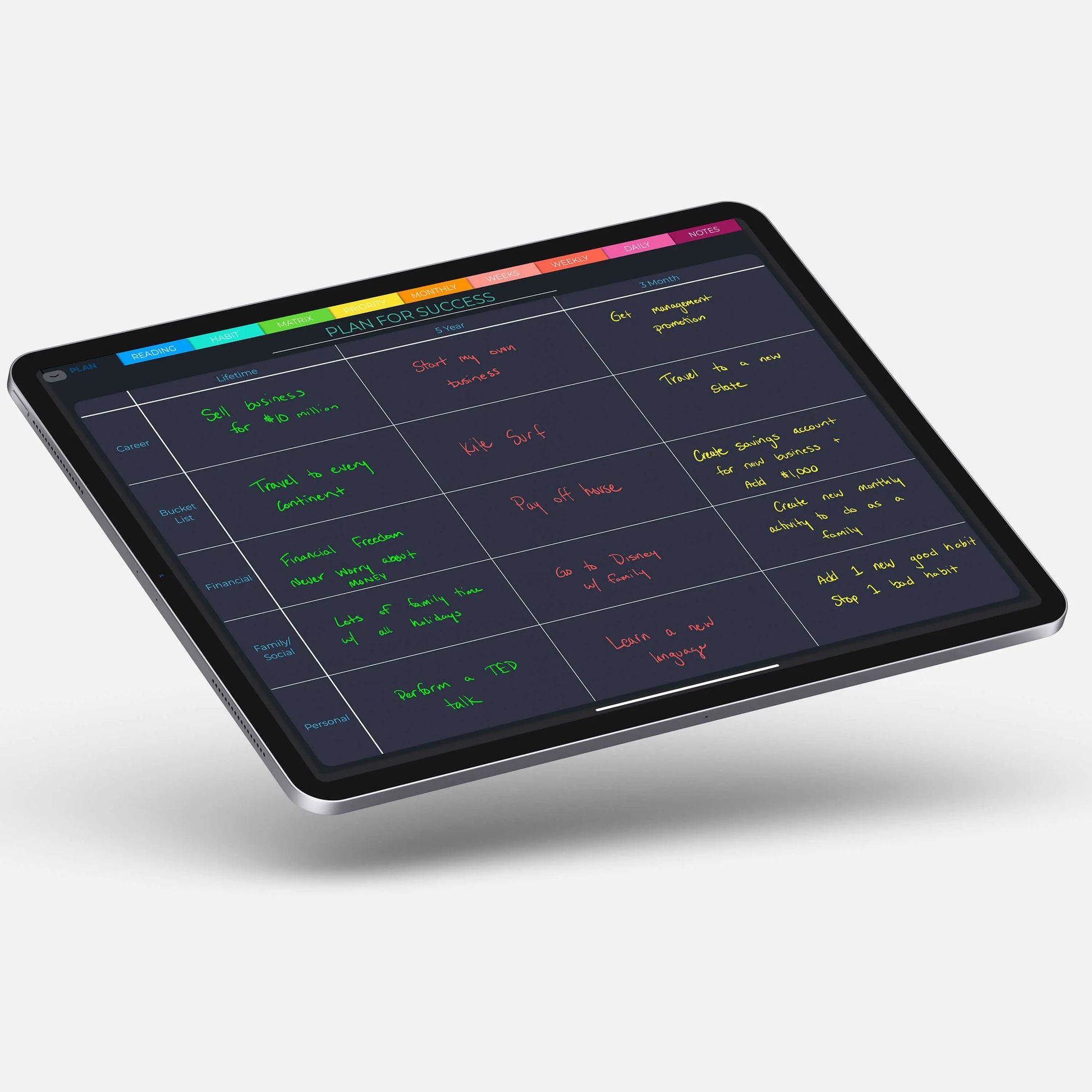
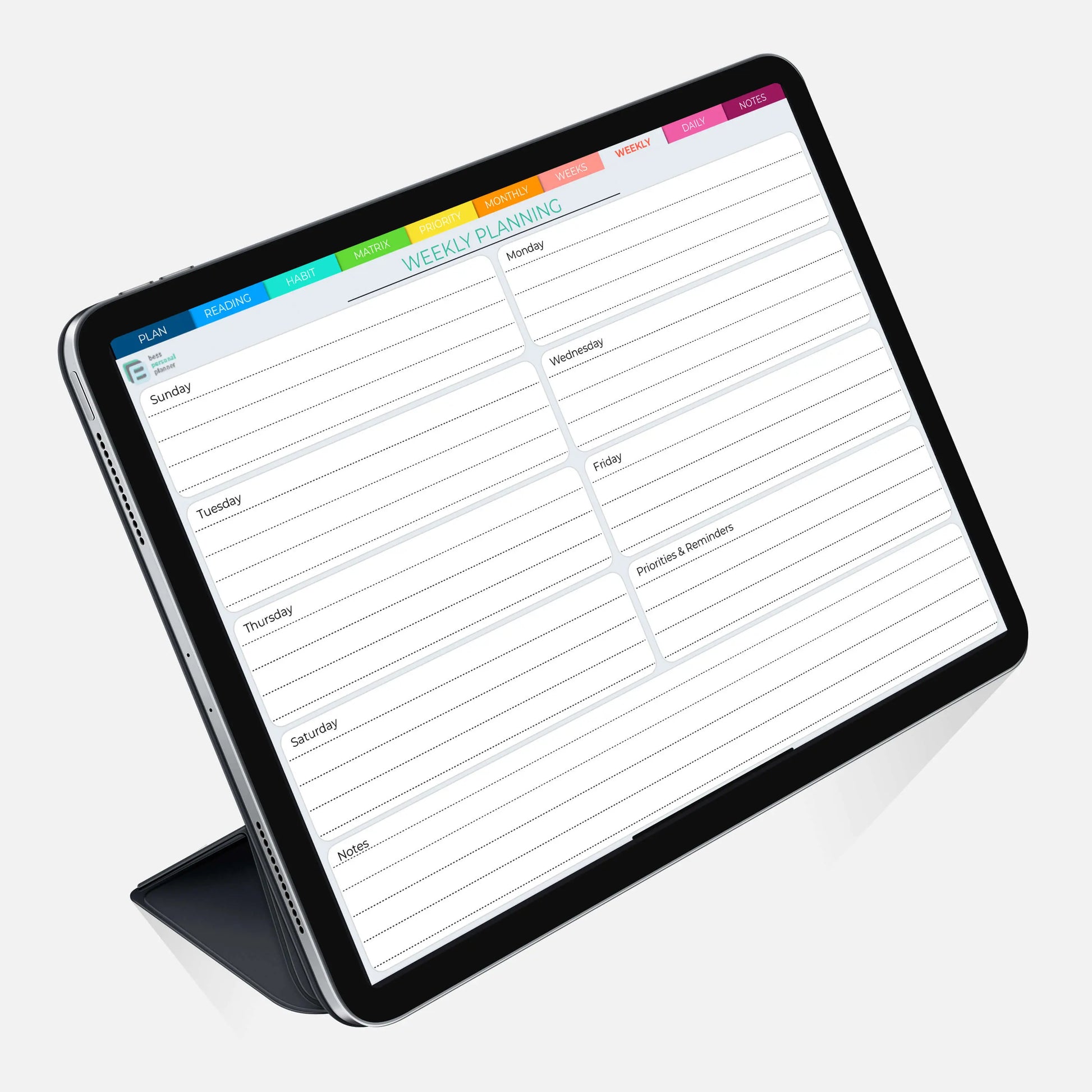
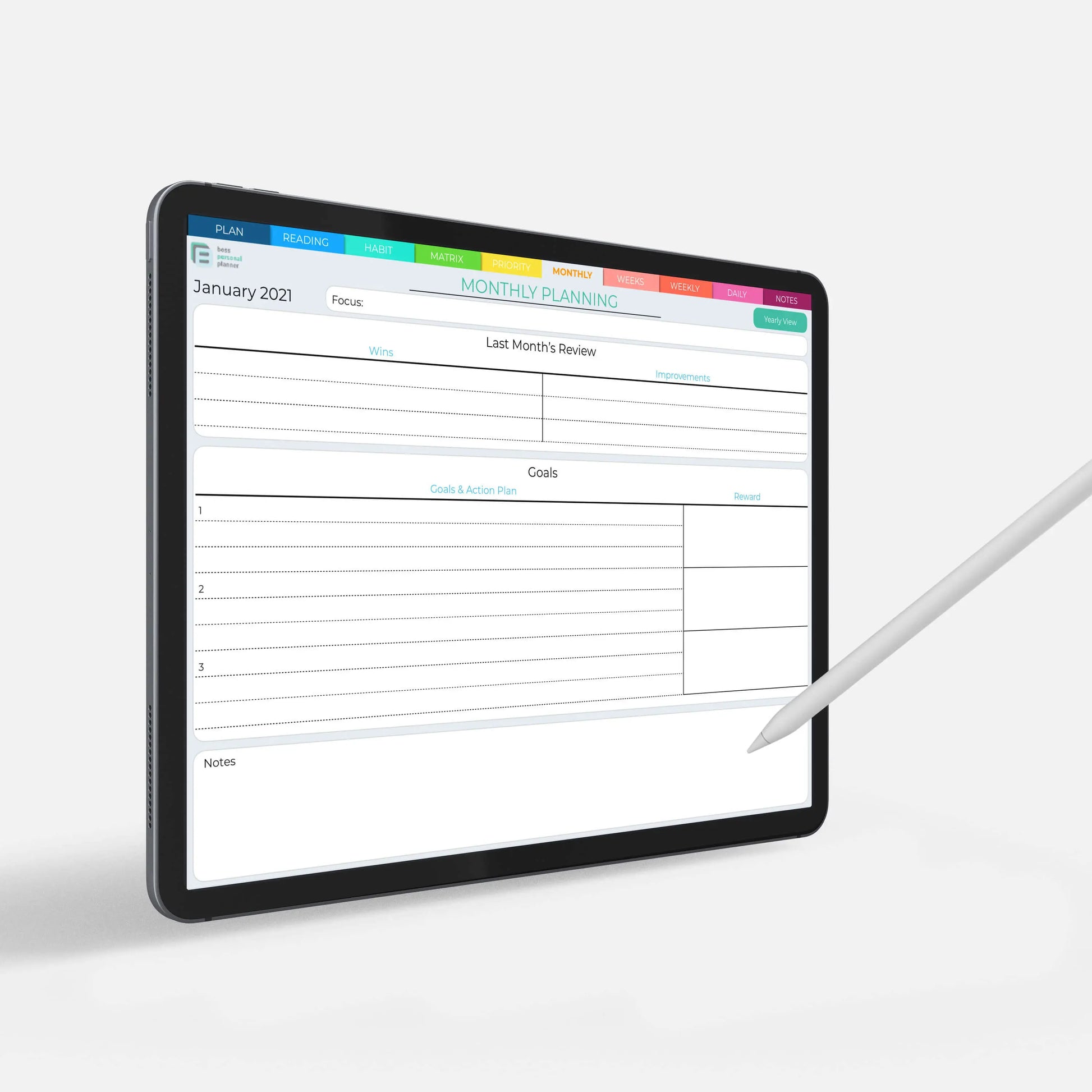
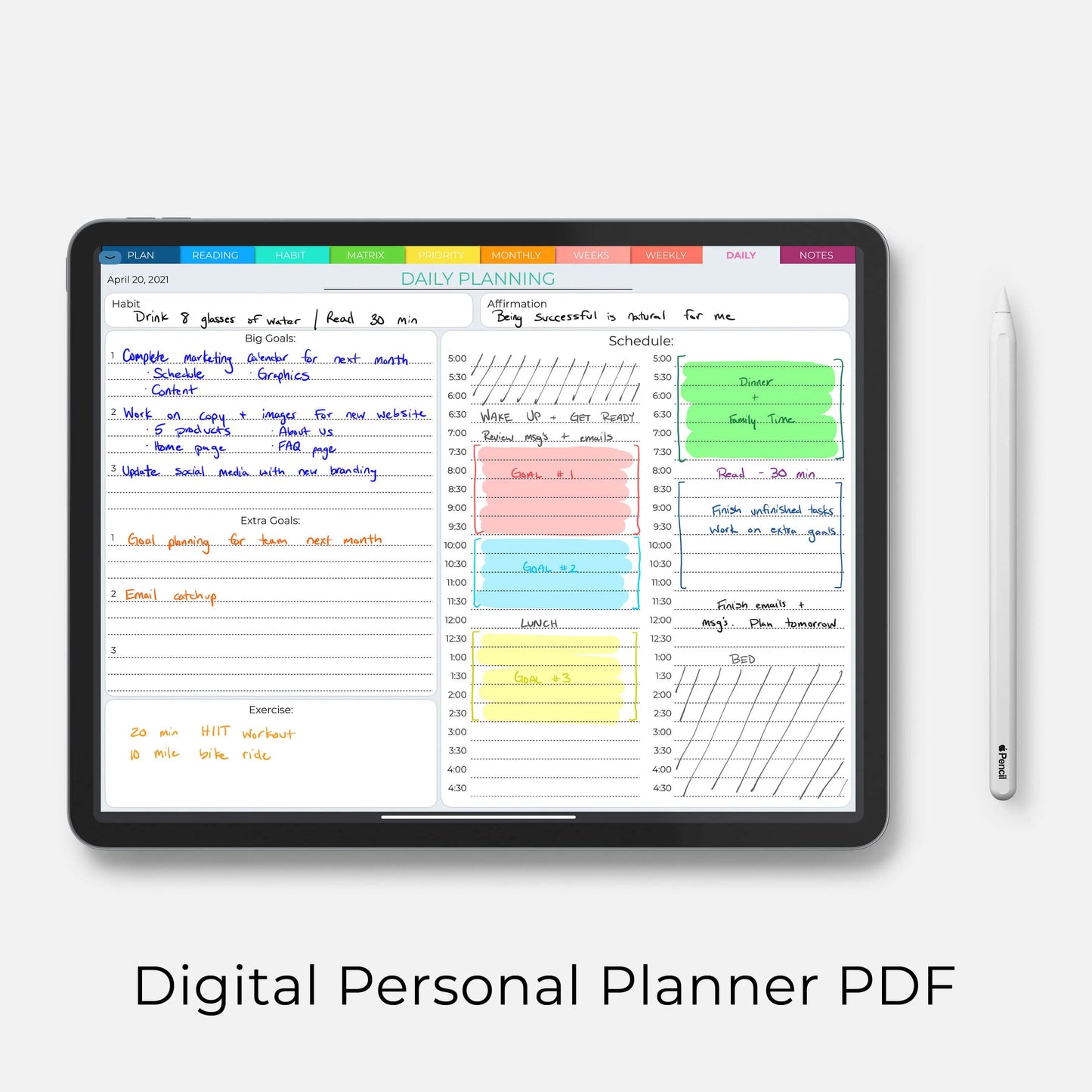
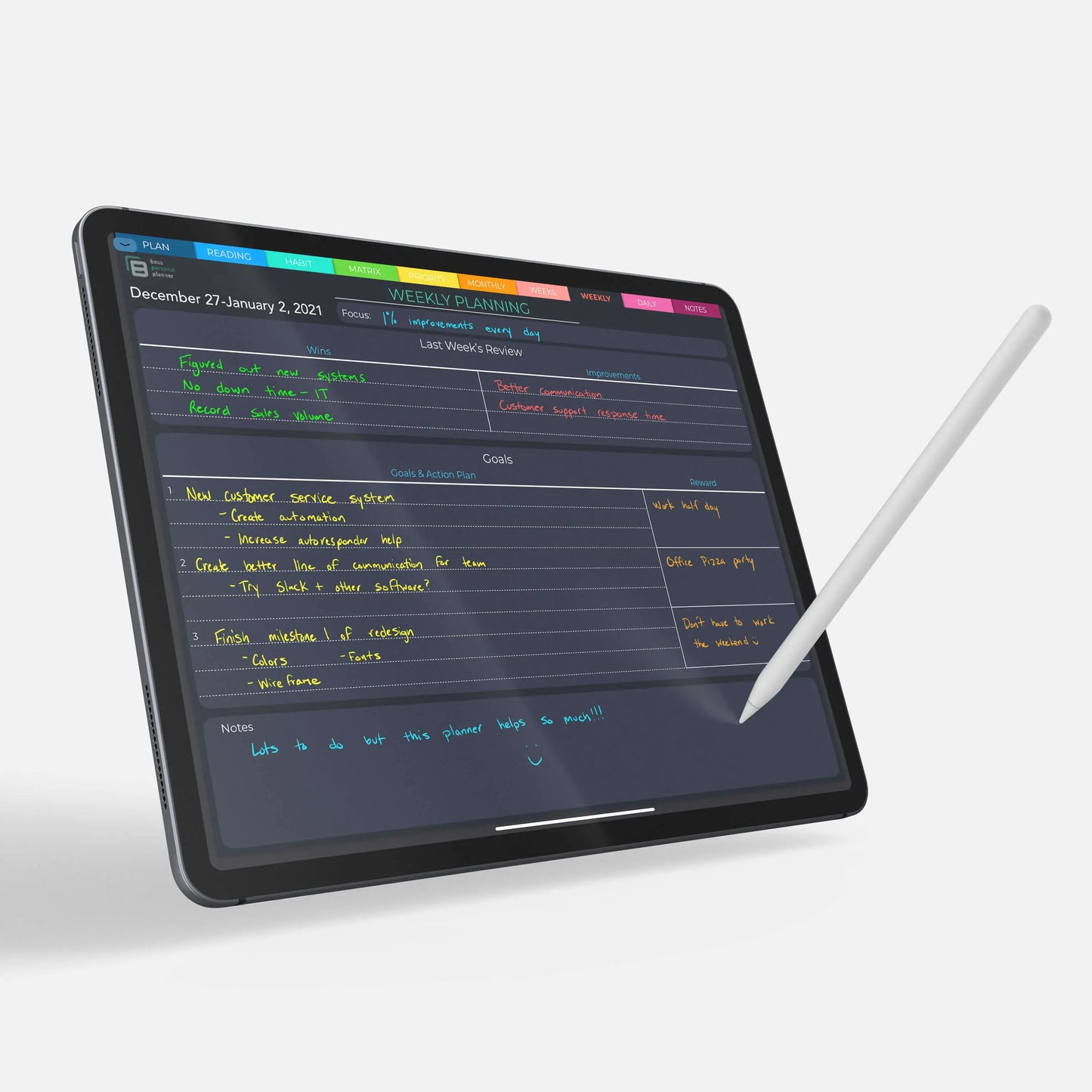
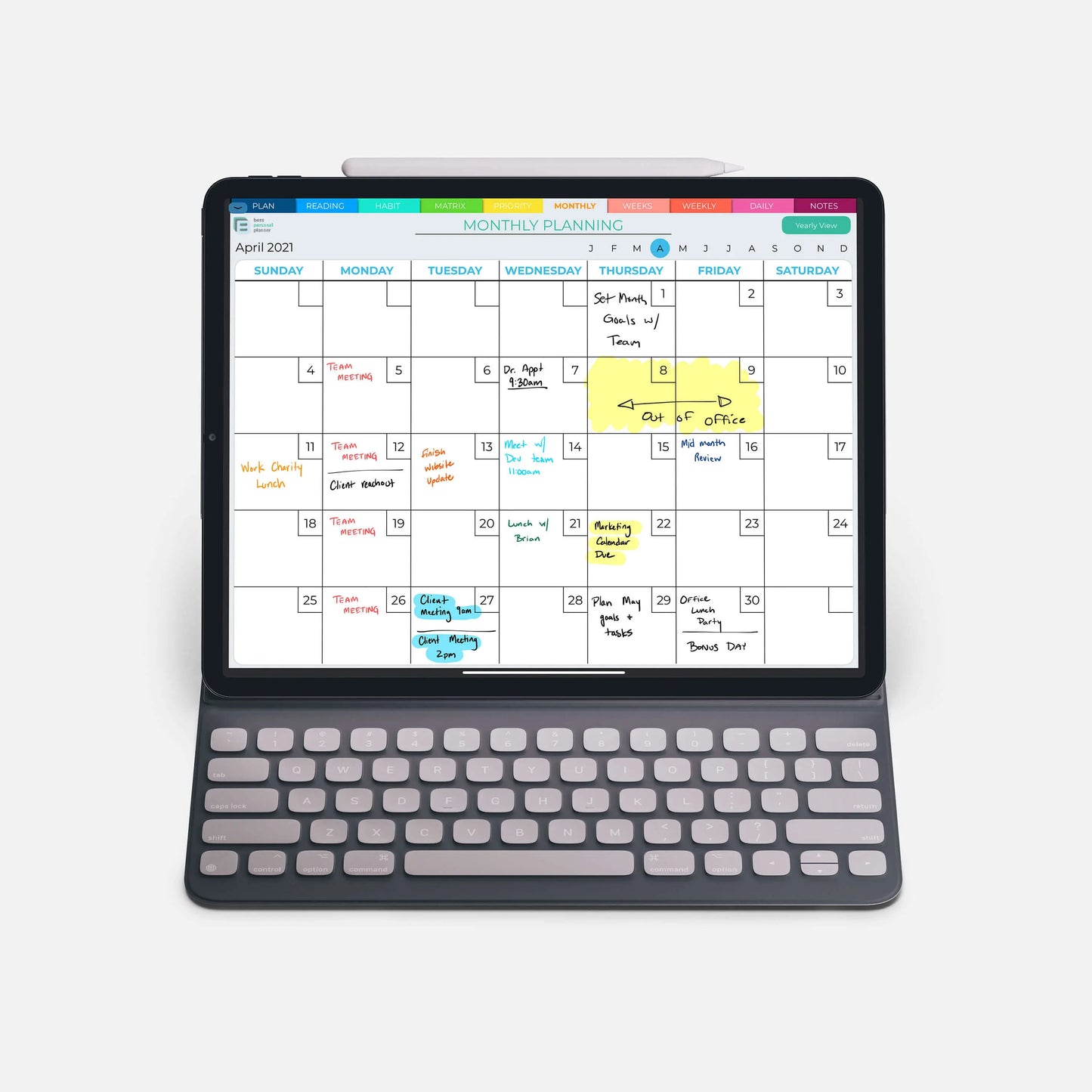
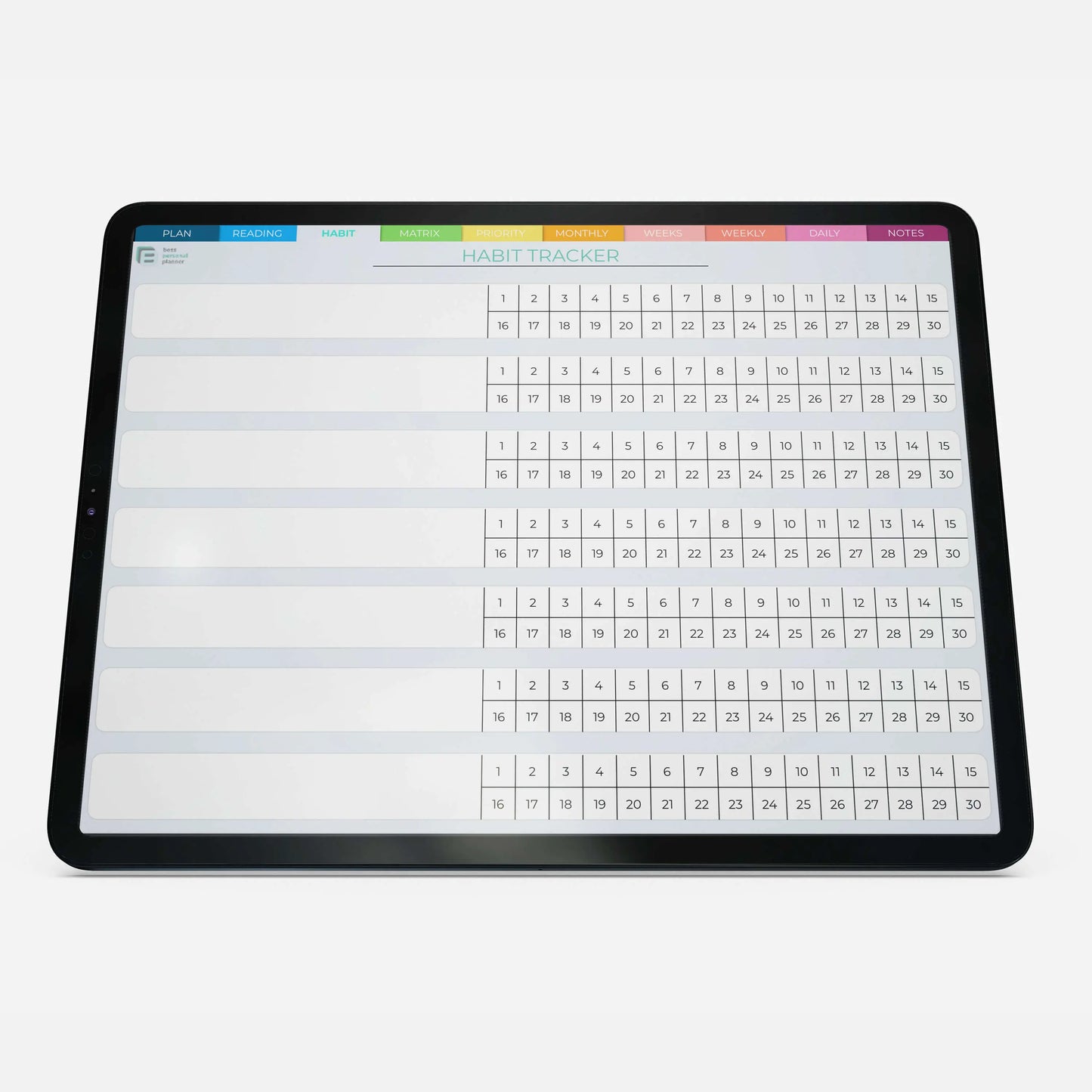
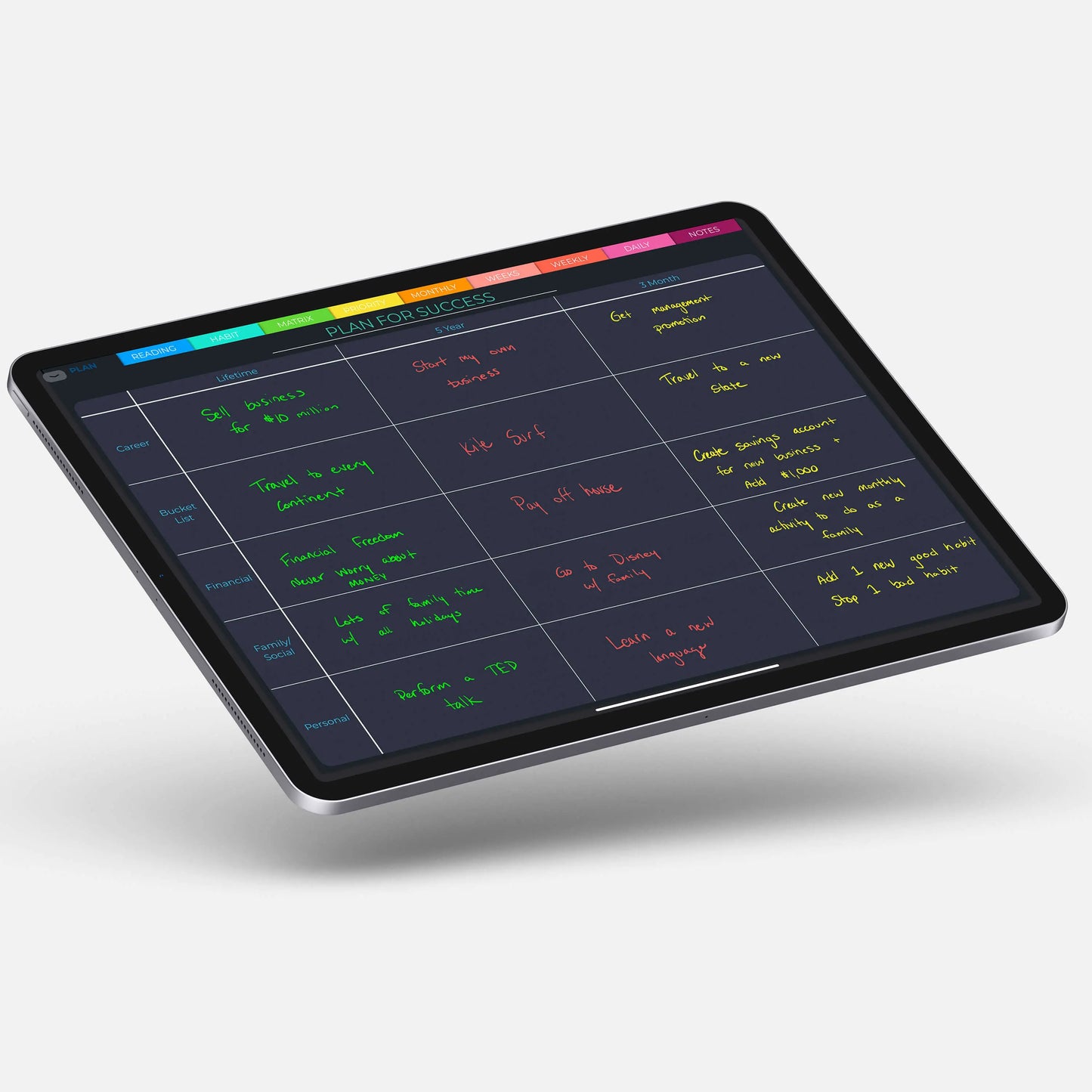
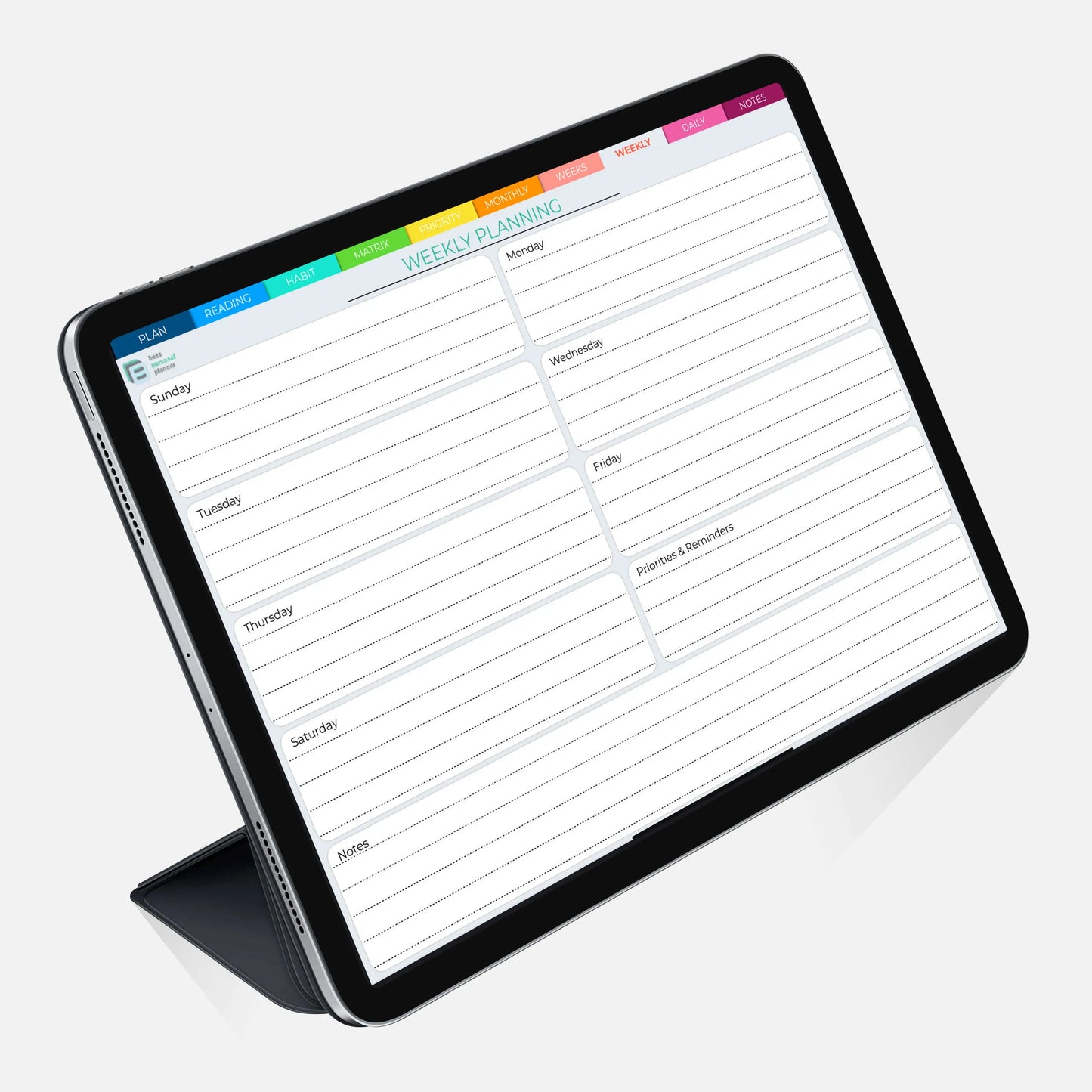
Our planner also includes useful features like daily, weekly, and monthly calendars, to-do lists, habit trackers, and goal-setting pages. You can set reminders and alerts to keep you on track, and easily move items around as your schedule changes.

So why wait? Upgrade your organizational game today and try our digital personal planner for GoodNotes. You won't regret it!

Try a free sample

We'll send you a free sample that gives you a demo of the planner. Once you fall in love with it, you'll want the whole thing!


Digital Planner Info

If you're new to digital planning, it's pretty easy to get started. It only requires a few things. You need an iPad or tablet with a stylus and an annotation app. We have more information on this in the 'Compatibility' section.

Once you have the above items, you can get started. You can download your planner to your device, next you'll open it in the annotation app of your choosing, finally, you can start planning.

It's that easy.

The functionality of each app differs but the general idea is the same. You can navigate through the planner with the hyperlinks (tabs, some dates, and buttons), you use the pen tool to write, and you can erase and insert images/stickers as you need.

What you need

Device:

iPad or tablet + a stylus

Annotation App:

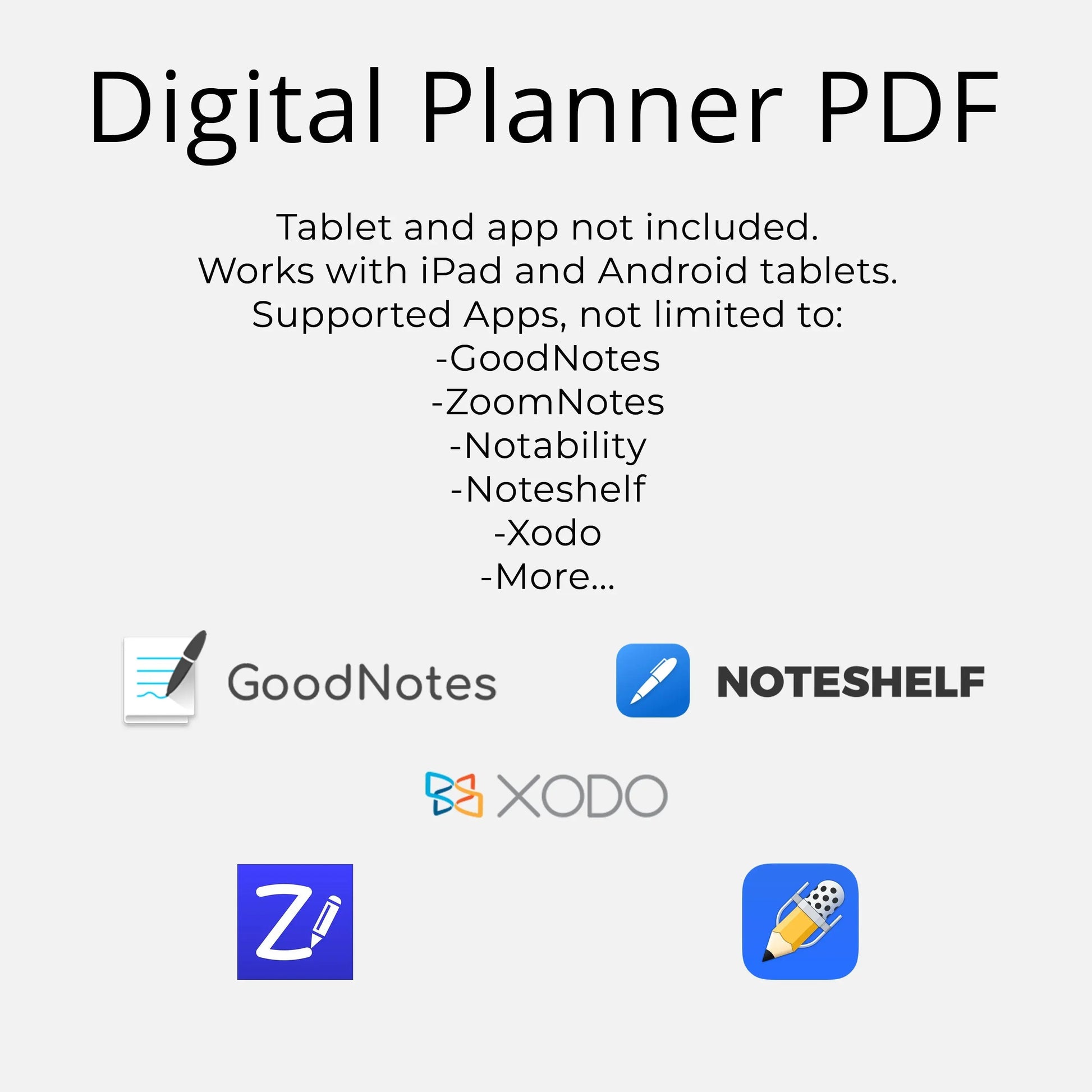
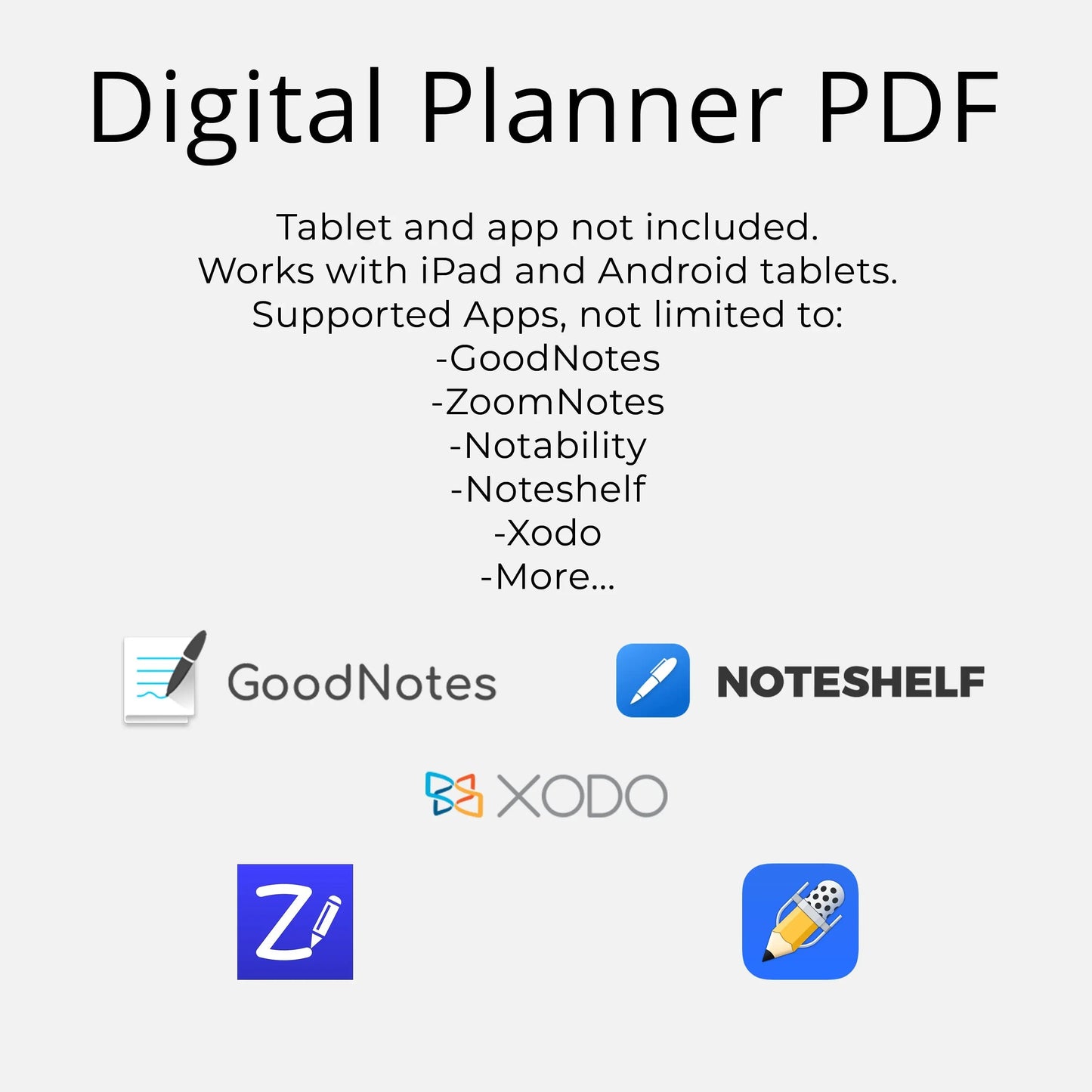
For iOS we recommend GoodNotes or ZoomNotes.

For Android, we recommend Xodo or Noteshelf.

*There are other options available but these are the ones we recommend.

Refund Policy

Due to the digital nature of this product, refunds will not be provided for any reason. Please double-check before you complete your purchase.

Please feel free to contact us with any questions or concerns prior to your purchase.

View full details

Similar planner collections: